
 +1-623-439-7197
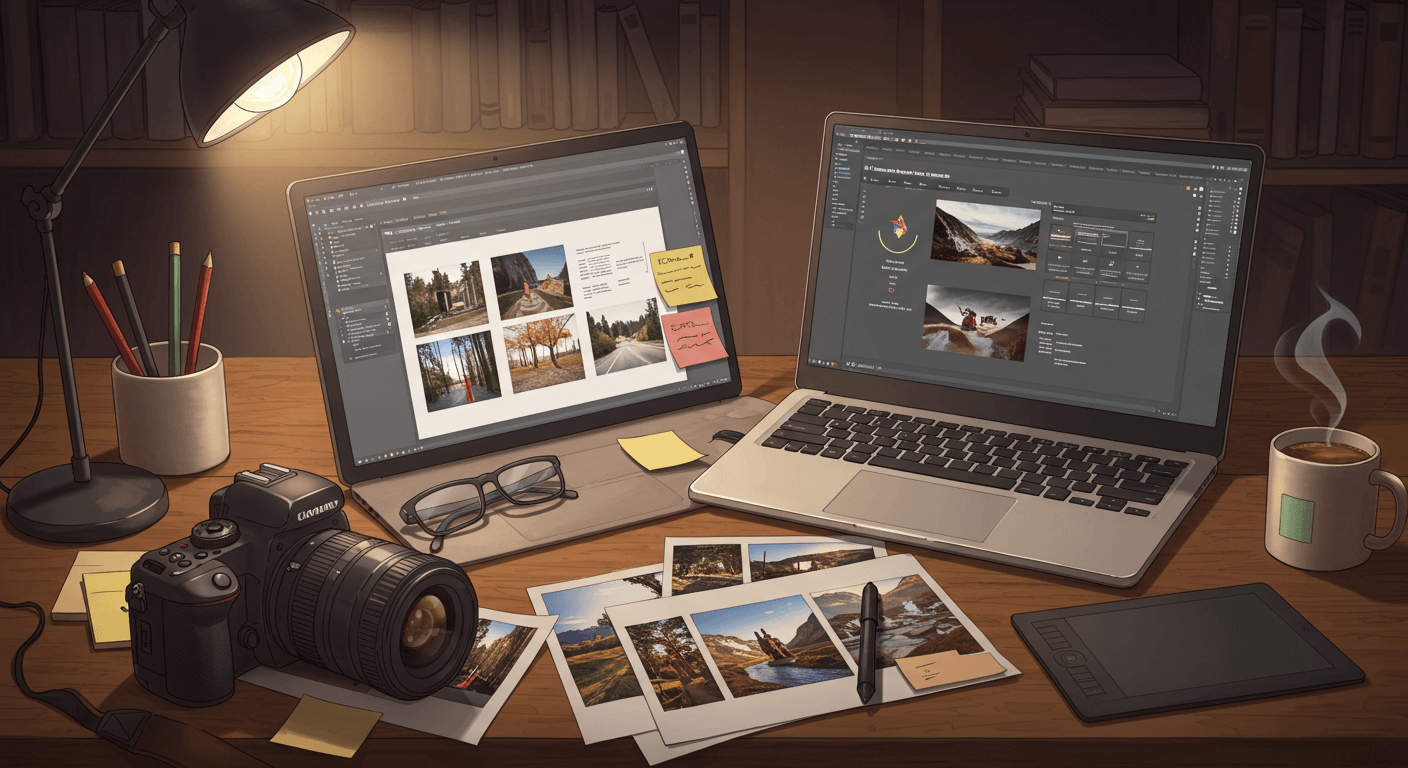
Creating a photography book is more than just binding images—it’s about preserving moments, telling visual stories, and presenting your creative perspective in a tangible form. Thanks to self-publishing platforms, you can now turn your photography into a beautifully printed book without a traditional publisher.
Whether your goal is to showcase your work, gift a personal project, or sell to an audience, this guide will walk you through every step of the self-publishing process.
Before You Begin: Define Your Vision
Before diving into layouts and platforms, take a moment to understand what kind of photography book you want to create. This clarity will shape every decision from image selection to distribution.
Ask yourself:
- What story or message do I want to share through my photos?
- Who is my audience—friends, family, fans, or the public?
- Will this be a professional portfolio, a personal keepsake, or a product for sale?
Once your vision is clear, you’re ready to move into action.
Steps to Help You Self-Publish Your Photography Book
Once you’ve clarified your purpose and vision, it’s time to move forward with the publishing process. Follow these practical steps to bring your photo book to life from start to finish.
Step 1: Choose Your Theme or Concept
Every great photography book begins with a strong and consistent theme. A well-defined concept ties the entire book together, making it compelling and memorable.
Popular Photo Book Themes:
- A travel journal through landscapes or cities
- Black-and-white street photography
- Nature and wildlife moments
- Family history or life milestones
- Portrait series with emotional depth
- Seasonal photo projects (e.g., “One Year in Colors”)
Tip: Stick to one central theme. It ensures visual cohesion and strengthens the storytelling power of your book.
Step 2: Curate and Organize Your Best Photos
Not every photo you love belongs in the final book. This step is about curation—selecting only your strongest and most relevant work.
How to Curate:
- Use high-resolution images (300 DPI minimum)
- Choose emotional and impactful shots
- Avoid repetition or weak images
- Organize by flow—chronological, geographical, or thematic
Grouping your images to build a visual rhythm helps readers connect emotionally and stay engaged.
Step 3: Select the Right Book Format and Size
Your book’s format affects the overall presentation and experience. Choose one that complements your photos and fits your creative intent.
Common Formats:
- Landscape (e.g., 11×8.5″) – Great for wide shots and scenery
- Square (e.g., 10×10″) – Balanced and modern, ideal for mixed layouts
- Portrait (e.g., 8.5×11″) – Perfect for vertical portraits or editorial work
Paper and Binding Options:
- Glossy finish – Sharp, vibrant colors
- Matte finish – Soft, elegant texture
- Layflat binding – Excellent for full-spread images
Make sure to order a sample before finalizing. Print appearance can vary from screen display.
Step 4: Design and Layout Your Pages
This is where your artistic vision truly comes alive. A good layout enhances the flow and emotion of your work without distracting from it.
Page Design Tips:
- Use clean and consistent margins
- Avoid clutter—less is more
- Play with white space for dramatic effect
- Highlight key images with full-page spreads
- Add page breaks for thematic transitions
Tools for Layout Design:
- Adobe InDesign – Professional and flexible
- Canva – Beginner-friendly with drag-and-drop templates
- Blurb BookWright – Built specifically for photo books
- Affinity Publisher – Cost-effective alternative to InDesign
Step 5: Add Captions, Intro, or Supporting Text
While visuals are the focus, small bits of text can enhance understanding and emotional connection.
Consider Including:
- A short introduction or artist’s statement
- Captions for location, date, or subject
- Section dividers or quotes
- Acknowledgments or a dedication page
Keep the text minimal and intentional enough to add context, but not overwhelm the visuals
Step 6: Choose a Self-Publishing Platform
Selecting the right platform depends on your goals—whether it’s creating a personal gift, selling online, or distributing globally.
Top Self-Publishing Platforms for Photo Books:
- Blurb – High-quality printing, Lightroom integration, and global sales
- Lulu – Flexible options with ISBNs and distribution channels
- BookBaby – Offers design services, print-on-demand, and marketing tools
- Mixbook – Ideal for custom, personal keepsake books
- Amazon KDP (Print) – Best for affordability and reach, though not optimized for premium photo quality
Step 7: Order Proof Copies and Set Pricing
Before going public, order a physical proof of your book. This is your chance to check every detail—from print quality and layout to text placement and image clarity.
Pricing Considerations:
- Print cost per copy (photo books can be expensive to produce)
- Shipping fees for local or global delivery
- Profit margin if you’re selling (typically 30%–50%)
- Platform fees if using third-party retailers
Example: If your book costs $28 to print, you might sell it for $45–$60, depending on the market and quality.
Step 8: Market and Promote Your Book
Your photography book is complete—now it’s time to share it with the world. Promotion is key if you want visibility and sales.
Marketing Tips:
- Create a launch announcement via email or social media
- Post photo previews and behind-the-scenes on Instagram
- Start a simple website or portfolio to feature your book
- Collaborate with influencers or photography groups
- Join local art fairs or photo exhibitions to sell in person
You can also create a digital version or a PDF sampler to attract attention and boost online interest.
Step 9: Distribute Online and Offline
Your distribution method should reflect your target audience and purpose.
Online Distribution:
- Sell directly via your site or Etsy
- Use POD platforms like Blurb or Lulu for direct orders
- Amazon (KDP) for wider audience reach
- Create an eBook version (PDF or digital flipbook)
Offline Distribution:
- Offer copies at local bookstores or art galleries
- Host a launch event or photography exhibit
- Gift or sell copies to clients, friends, or fans
- Use it as a marketing tool for freelance photography work
Common Mistakes to Avoid
- Using low-resolution photos leads to blurry or pixelated prints
- Skipping color calibration – Colors may look different in print
- Overloading pages – Visual clutter ruins the flow
- Neglecting proofing – Always check before final printing
- Forgetting your audience – Design with their experience in mind
FAQs About Publishing a Photography Book
Q1: Do I need an ISBN?
If you plan to sell your book through major retailers, yes. Many platforms, like Lulu or BookBaby, offer ISBN services.
Q2: How many photos should I include?
A typical book may feature 40–100 curated images, depending on page count and layout. Fewer but stronger images always make a greater impact.
Q3: Can I publish a digital version only?
Yes! Digital photo books are affordable, easy to share, and perfect for portfolios or promotional materials.
Q4: What’s the best size for a photo book?
The best size depends on your photo orientation. Landscape (11×8.5”) is great for scenery, while square (10×10”) is versatile and modern.
Final Thoughts
Self-publishing a photography book is a fulfilling creative journey. From developing your theme to printing and promotion, each step brings you closer to turning your vision into something tangible and lasting.
With today’s accessible tools and platforms, you no longer need to wait for a publisher to validate your work. Whether it’s a professional collection or a personal memoir, your photos deserve to be seen, shared, and celebrated—on your terms.


